
License
Permanent license for one PC
Verify the live priceNo simultaneous connection under the current consumer terms.
- Account and license registration required
- Business use may require a different license
- Promotion, tax and currency can change
Windows media compatibility ·
GOM Player+ is GOM Lab’s paid, ad-free Windows media player. Its format support may suit mixed libraries, but system requirements, one-PC licensing and credit-based AI tools should be checked separately.
Sponsored link. GOM Lab controls current pricing and terms.
Broad format support is useful only when it matches your actual files, codecs and Windows setup.
The official specifications list common video, audio, subtitle and playlist formats. Some files may require additional codecs, DirectX or Windows Media Player, and damaged or unusually encoded files may still fail.
GOM Lab publishes a broad compatibility list, but the useful test is whether representative files from your own drives open, seek, display subtitles and play reliably on your Windows system.
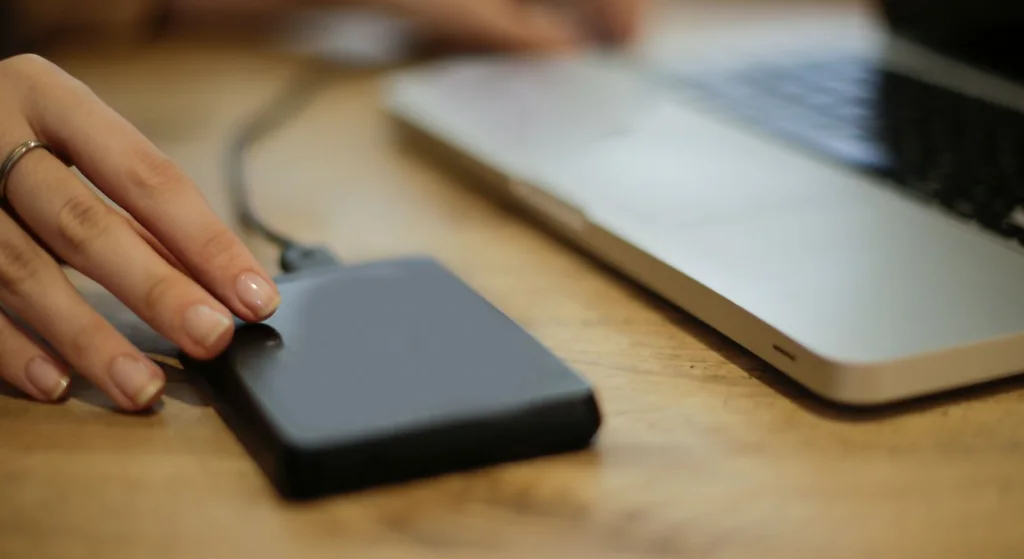
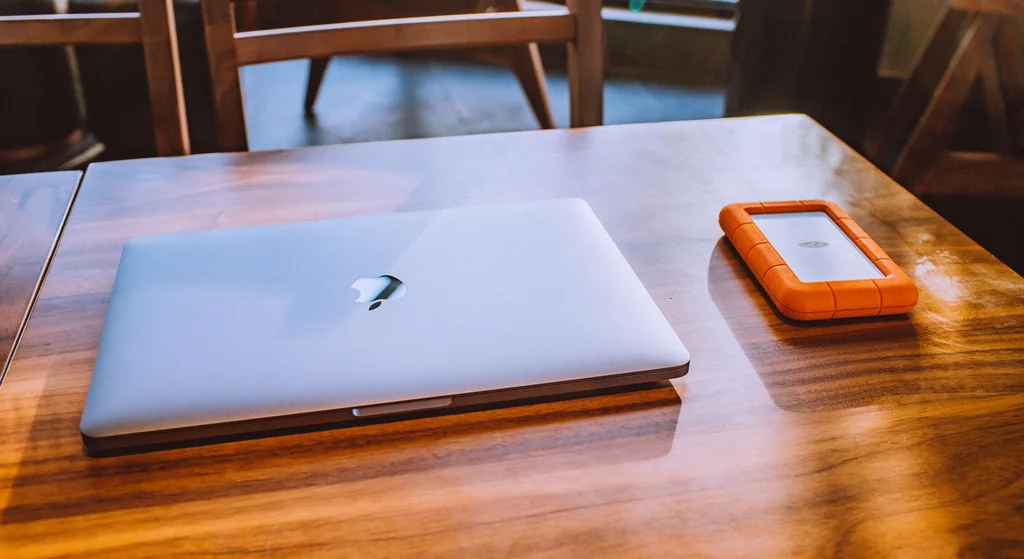
Use the available trial before registering a paid license. The image is retained from the existing site and is a general illustration, not a GOM Player+ interface screenshot.
Features are attributed to GOM Lab and are not presented as guaranteed results.
Registration affects the provider’s refund conditions.
Note the containers, codecs, subtitles and resolutions you use most.
Confirm the computer meets the current operating-system and hardware requirements.
Test representative files before registering a paid license.
Review credit prices and usage units independently from the software license.
Provider terms generally restrict cancellation after genuine registration.
The live provider page and checkout control the actual offer.
License
Verify the live priceNo simultaneous connection under the current consumer terms.
AI package
Check current credit unitsPackages and validity periods are provider-controlled.
When checked on August 11, 2026, GOM Lab displayed promotional one-time license options. Verify the live amount, included credits, renewal status, registration rules and refund eligibility before payment.
Checked August 11, 2026. GOM Lab controls current product information.
It is the paid edition. GOM Lab may provide a trial; check the live product page for current trial conditions.
No universal compatibility is promised. File condition, encoding, codecs, system support and the current build can affect playback.
No. GOM Lab uses a separate credit system for applicable AI services.
Provider terms generally limit cancellation to the period before genuine registration. Read the current terms before registering.
Confirm compatibility, license scope, AI-credit costs, live pricing and refund conditions on GOM Lab.
Check Current Player+ TermsPaid advertorial from technovamap.com, an independent publisher operated by GrafTech Stúdió and not by GOM Lab or GOM & Company. We do not sell, license or support GOM Player+, manage GOM accounts, process credits, payments, cancellations or refunds. GrafTech Stúdió may receive compensation if you act after following this sponsored link. Verify material details with the provider. See our Advertising Disclaimer and Privacy Policy.